

Integration guide in Apivom Atlas: Apollo · ZoomInfo · eKYB: company verification
Company enrichment · Apivom Iris
Complete every company record from the source that holds the data.
Apivom Iris enriches a company from the official Türkiye registries (TOBB¹/MERSIS² and Türmob) and from Google Maps. Apivom Atlas adds company lookups with your own Apollo and ZoomInfo credentials.
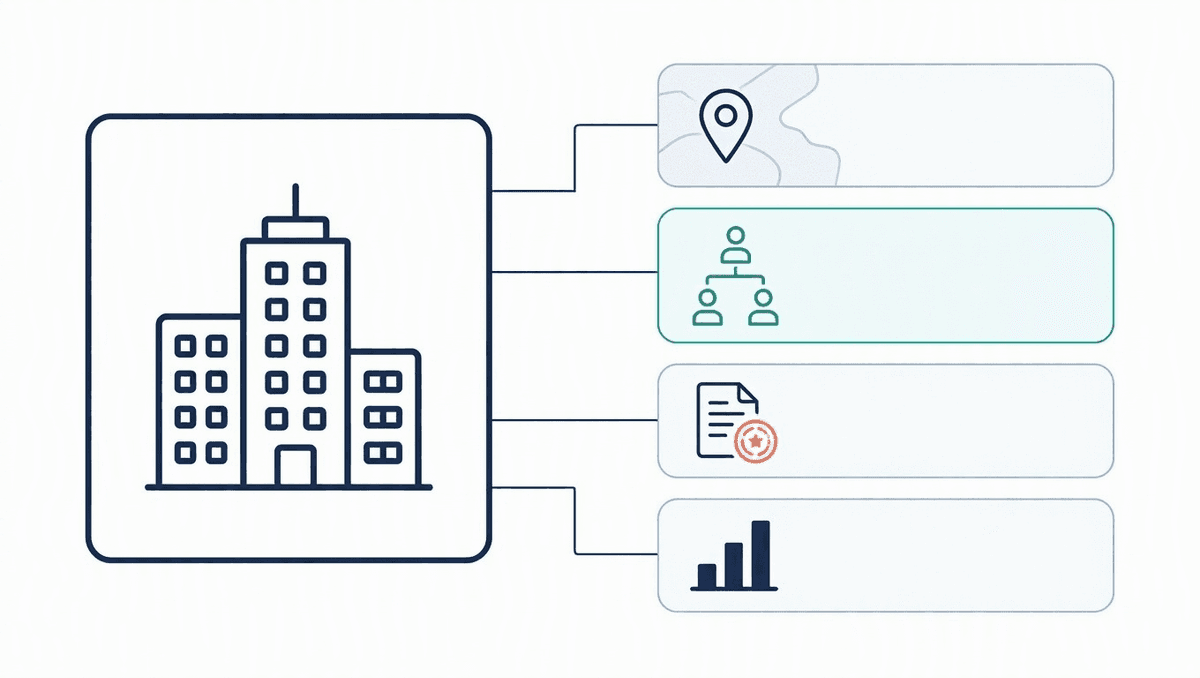
¹ TOBB: The Union of Chambers and Commodity Exchanges of Türkiye² MERSİS: Central Registration System of the Türkiye Ministry of Trade
// Where company data comes from
Four sources, each for a different question.
Pick the source by what you need to know about the company.
Official trade registry (MERSIS)
Run a MERSIS company card from the company record and choose the depth, from the core registry record to shareholders, branches and the latest Gazette announcement. Needs the company's tax number. Charged per query through Apivom Atlas.
Taxpayer record (Türmob, GİB³)
Look up the official taxpayer record by tax number: title, tax office, status, registered addresses and NACE activities where available. Charged per query through Apivom Atlas.
Google Maps place
Search Google Maps for the company and pick the right place yourself: Iris binds nothing until you choose. An option, ticked by default, fills a blank address, phone and website from the place you picked.
Company lookups on your own account
Through the Atlas gateway, with your own credentials: ZoomInfo company enrich matches by company ID, name, website, phone or IP address, up to 25 companies per request; Apollo organization enrich matches by domain, LinkedIn URL, name or website.
³ GİB: Turkish Revenue Administration
// How it works
How a company record gets complete.
01
Start with what you have
A company name, or a tax number if you already know it.
02
Find the tax number
Without one, search the GİB e-invoice list by company title: the search is free, revealing a tax number is charged through Apivom Atlas.
03
Query the registries
Choose Enrich on the company record and run the MERSIS card depth you need, and the Türmob taxpayer record.
04
Confirm the place
Search Google Maps, pick the right candidate and bind it to the company.
05
Keep the evidence
Each source is stored on the company as its own item with the time it was fetched.
// How data flows
From the source to the company record.
Apivom Atlas sits between Iris and the sources. Registry queries are an Atlas service charged per query; provider lookups are a stateless pass-through on your own credentials.
Apivom Iris
The company record, and where you press Enrich.
- Company and tax number
- Each source kept as its own item
- Timestamp on every fetch
request
Apivom Atlas
One gateway for every source.
- Registry queries charged per query
- Provider lookups forwarded on your credentials
- No credentials stored
JSON
Sources
Where the data lives.
- MERSIS (TOBB)
- Türmob (GİB)
- Google Maps
- Apollo and ZoomInfo
// Your account, your credits
Registries by the query. Providers on your own account.
Registries: per query
MERSIS and Türmob lookups are an Apivom Atlas service, charged per query. The data models and their depth are described on the eKYB page.
Provider lookups: your subscription
You need your own account with each provider. Apivom does not sell or resell Apollo and ZoomInfo data, and the provider's own terms and pricing apply to every lookup.
Credentials stay yours
Your provider credentials are kept encrypted in your Iris tenant. Atlas stores no credentials.
Apivom is not the data source
Registry data comes from the official institutions and provider data from the provider you connect. Results support your own assessment: they are not official certificates, registry extracts or credit ratings.
// Good to know
Clear about coverage and limits.
Registries cover Türkiye
MERSIS and Türmob hold companies registered in Türkiye. For companies elsewhere, use Google Maps and, through Atlas, your own Apollo and ZoomInfo account.
You confirm Google matches
Iris lists the Google Maps candidates and binds nothing until you choose one.
People are a different lookup
Work emails, phones and job titles come from contact enrichment, with the providers you connect there.
Source by source
Each result is kept on the company as its own item, so you can see which source supplied which data and when.
// FAQ
Questions about company enrichment
Which sources can Iris use to enrich a company?
On a company record, Iris can query the MERSIS trade registry by tax number, look up the Türmob taxpayer record, and search Google Maps for a place you confirm. Through the Atlas gateway, company lookups run on your own Apollo and ZoomInfo account.
Is company data resold by Apivom?
Registry queries (MERSIS and Türmob) are an Apivom Atlas service, charged per query. Apollo and ZoomInfo data is not resold: you use your own subscription with the provider, and the provider's terms and pricing apply.
Do I need a tax number?
For the registries, yes. If you only have a company name, search the GİB e-invoice list by title first: the search is free, and revealing a tax number is charged through Apivom Atlas.
Can I run these company lookups from my own applications?
The routes are catalogued in Apivom Atlas, and Iris stores your provider credentials. Connecting them to your own applications is scoped per customer, so tell us the use case and we plan it with you.
Related solutions: Contact enrichment · eKYB: company verification
// Get started
Complete your company records.
Book a 30-minute live demo of Apivom Iris and see company enrichment on your own accounts, or read how the registry data models work.
Registry information is obtained from official government records (MERSIS, GİB). The accuracy of the information is the responsibility of the source institutions. Apollo and ZoomInfo are trademarks of their respective owners, named here to describe compatibility. Apivom is an independent service provider and is not affiliated with or endorsed by the Ministry of Trade, TOBB, Türmob, GİB, Google or those providers.