How to Build a Customer Health Score That Actually Works
Stop guessing if customers are healthy. Learn the step-by-step process to build a data-driven health score with the right metrics, weights, and thresholds.

How to Build a Customer Health Score That Actually Works
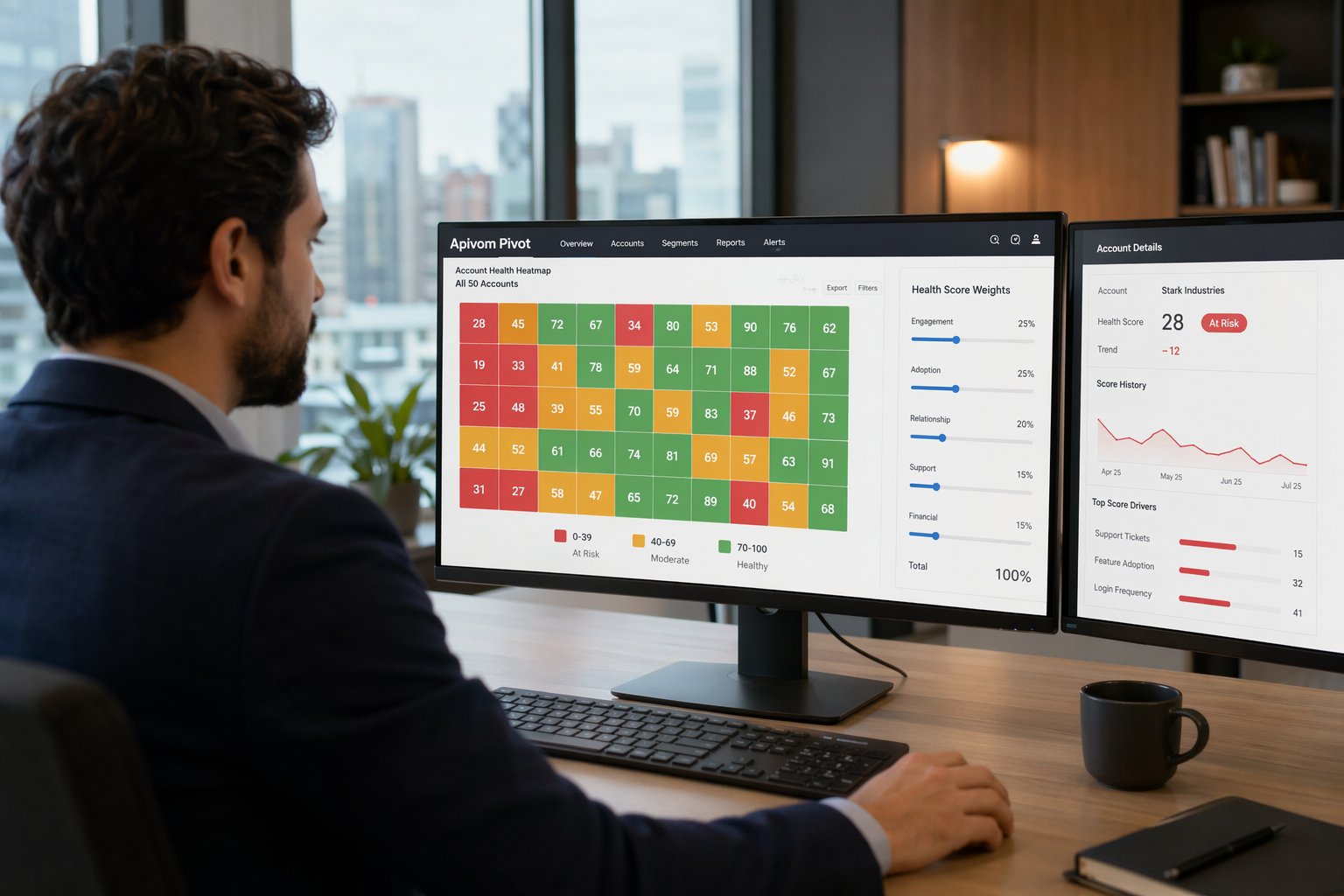
"Is this customer healthy?" The answer should never be a gut feeling. A well-designed Customer Health Score provides an objective, data-driven answer that enables proactive intervention.
What is a Health Score?
A Customer Health Score is a composite metric (typically 0-100 or RAG) that serves as a leading indicator of customer success outcomes. Unlike lagging metrics that tell you what happened, health scores predict what will happen.
Health Score Components
The formula is straightforward: Health Score = Sum of (Metric × Weight)
| Category | Example Metrics | Suggested Weight |
|---|---|---|
| Engagement | Login frequency, DAU/MAU | 20% |
| Adoption | Feature usage, depth | 25% |
| Relationship | NPS score, sentiment | 15% |
| Support | Ticket volume, severity | 15% |
| Financial | Payment history, growth | 15% |
| Expansion | Upsell signals | 10% |
Step 1: Choose Your Metrics
Focus on metrics that have:
- Correlation with churn: Which metrics historically predict churn?
- Data availability: Can you reliably collect this data?
- Actionability: Can you influence this metric?
Step 2: Set Weights
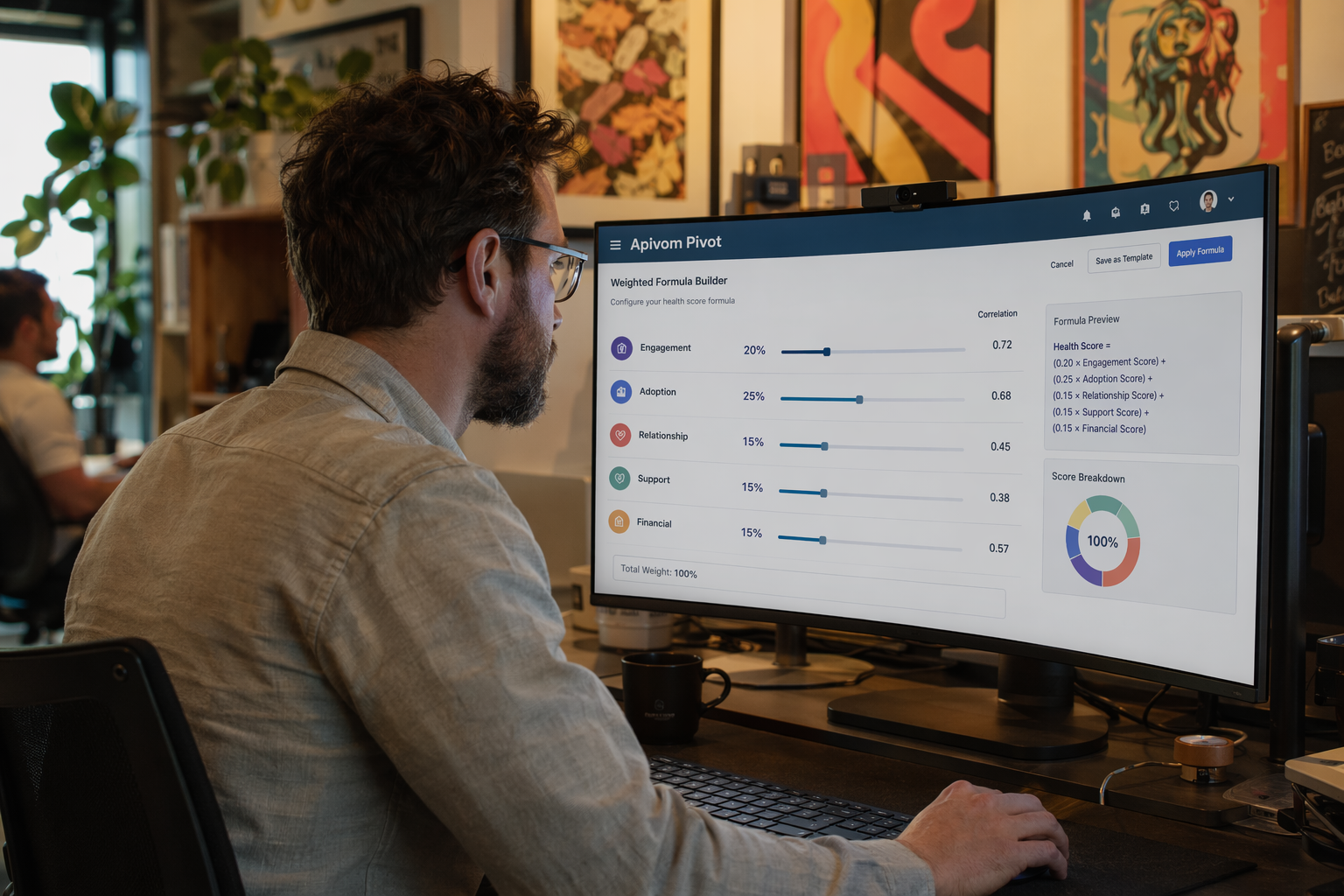
Start with equal weights and iterate based on churn correlation analysis. Consider segment-specific weights—Enterprise and SMB customers may have different predictive factors.
Step 3: Define Thresholds
| Score | Status | Recommended Action |
|---|---|---|
| 80-100 | 🟢 Healthy | Focus on expansion |
| 60-79 | 🟡 At-Risk | Proactive outreach |
| 0-59 | 🔴 Critical | Immediate intervention |
Step 4: Operationalize
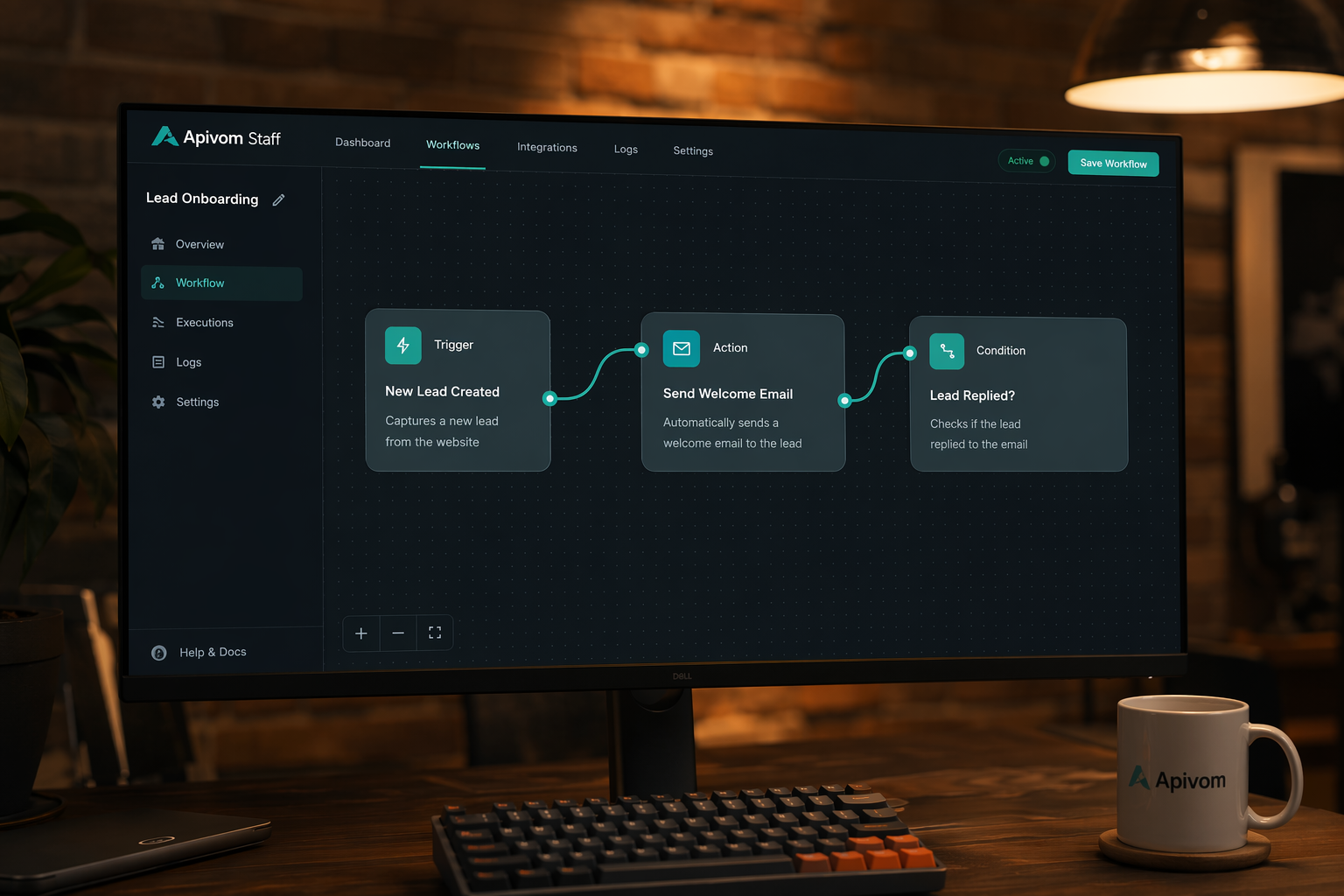
- Visualize: Make health scores visible in dashboards (APIVOM Pivot)
- Alert: Set up notifications for score changes (APIVOM Staff)
- Automate: Trigger playbooks based on thresholds (APIVOM Iris)
Common Mistakes to Avoid
- ❌ Too many metrics (stick to 5-7)
- ❌ Using lagging indicators
- ❌ Ignoring segment differences
- ❌ Never updating the model
Starter Health Score Template
Health Score =
  (Login_Days_Last_30 / 20) × 20 +
  (Features_Used / Total_Features) × 25 +
  (NPS_Score / 10) × 15 +
  (1 - Ticket_Count / 5) × 15 +
  (Invoice_Paid_OnTime) × 15 +
  (Expansion_Signal_Present) × 10
Ready to build your health score? See APIVOM Pivot to visualize customer health at a glance.